Game Guide
Item Packs Guide
Item Packs are rewards for buying a certain amount of Lune in one transaction through the Store on the website. The amounts do not accumulate across purchases.
Getting to the Store
Log in to your account on the Thang Global website first. Go to the login page, enter your email address and password, and sign in.
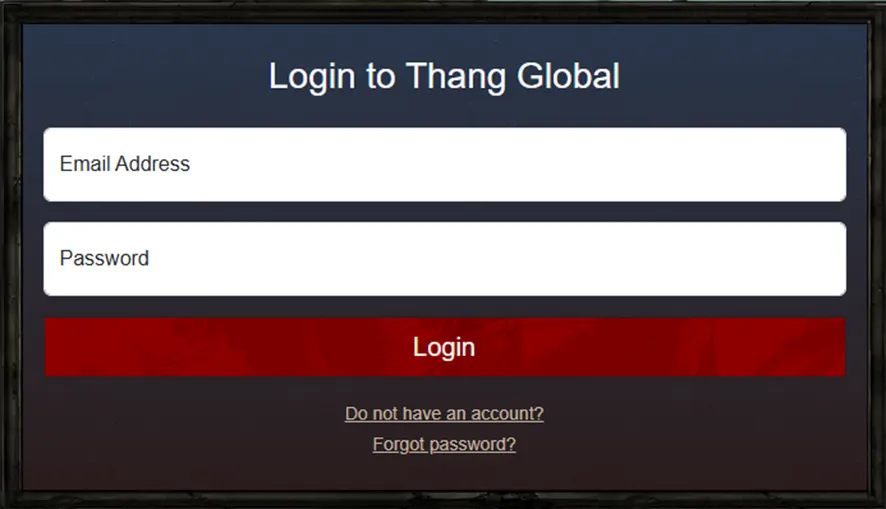
- No account yet? Use the Do not have an account? link to create one.
- Forgotten your password? Use the Forgot password? link to reset it.
Then open the Store. You can also reach it from the home page, either through the Store option in the top menu or through the Get Your Item Pack banner.

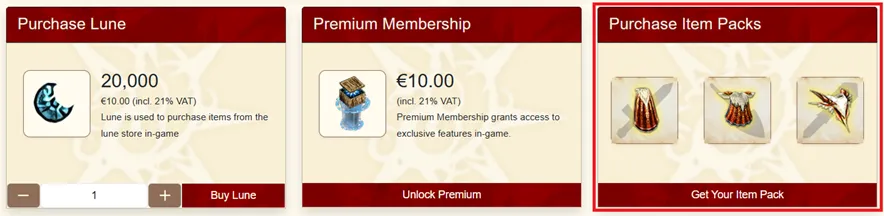
Choosing a pack
Starter Pack
The Starter Pack is meant for new players and can be bought at most three times per account.
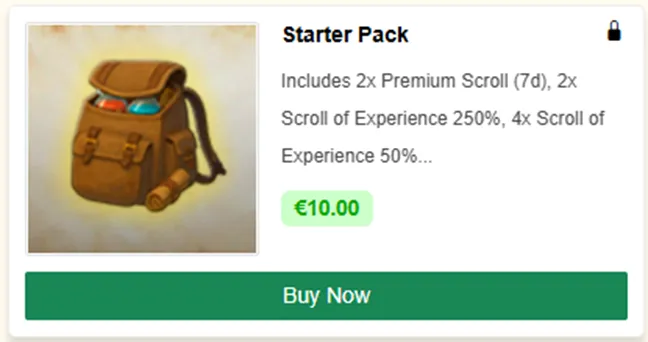
Clicking Buy Now opens a window with the pack contents.
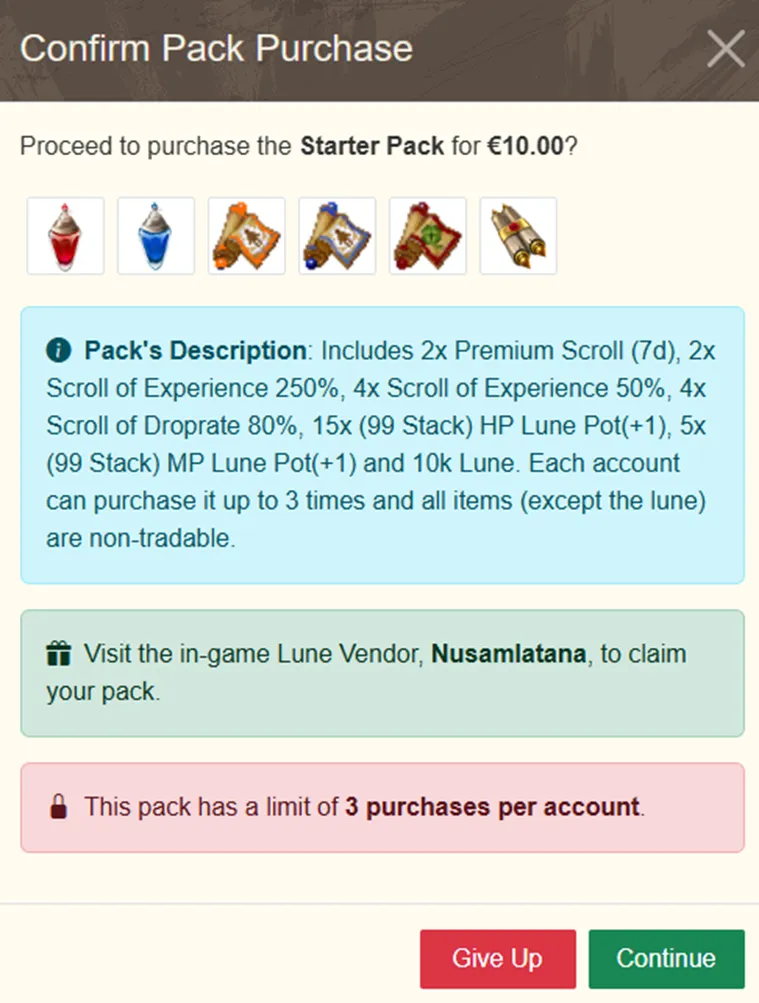
Tribe packs
The other Item Packs hold rewards for one specific tribe, named in the pack title.
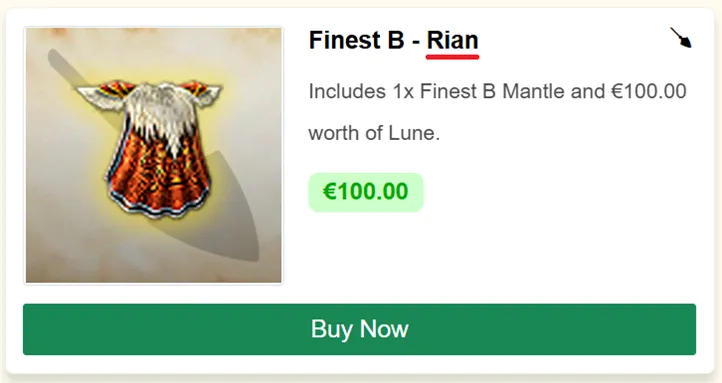
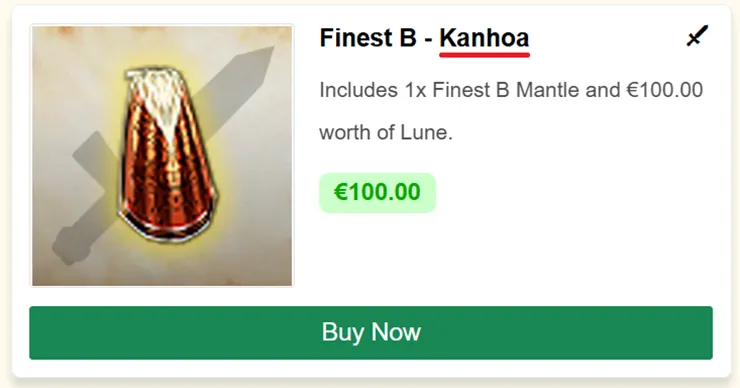
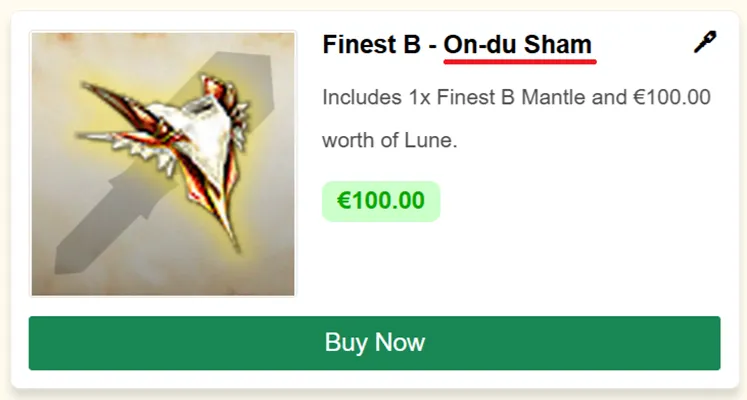
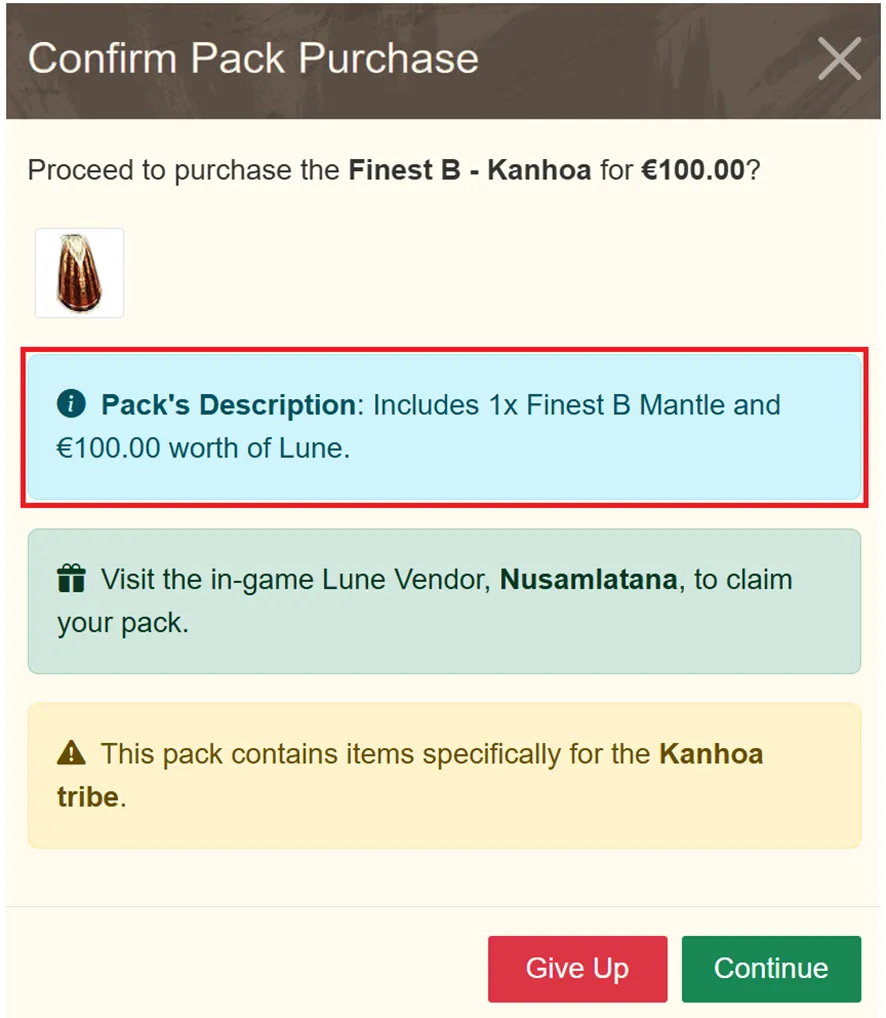
Buy Now opens a window with the pack details and the rewards it contains.
Paying
Click Continue to go to the payment page.
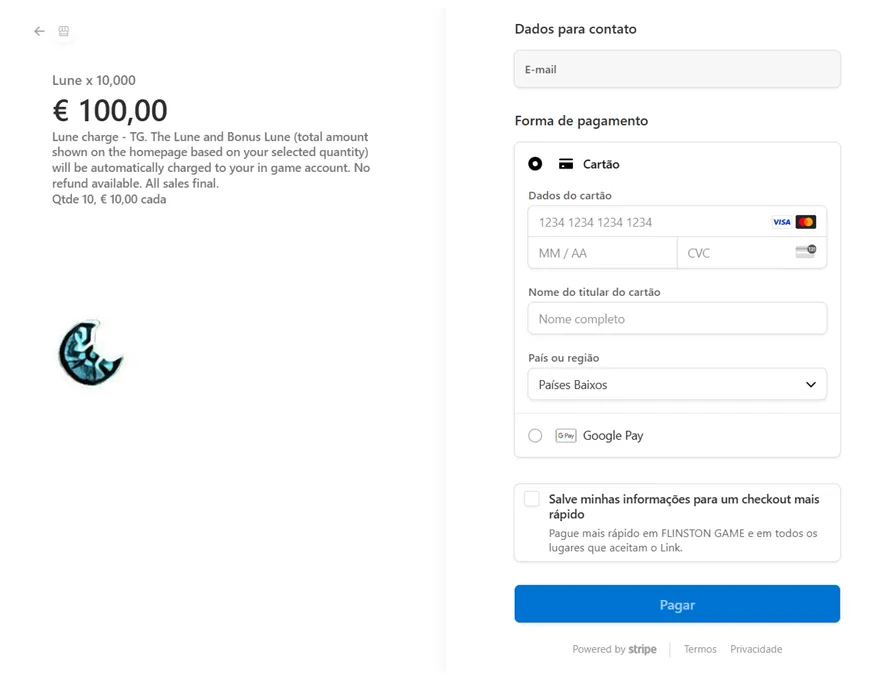
You can pay by credit card or through Google Play. With a card, fill in the details and click Pay. With Google Play, pick a saved card or add a new one, then click Pay. A receipt with the full details follows.
Claiming the pack
Get to Nusamlatana with the button at the bottom right of the screen.
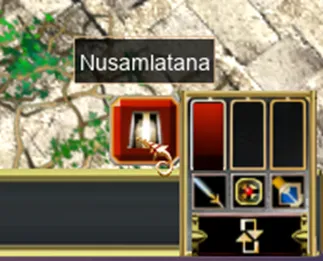
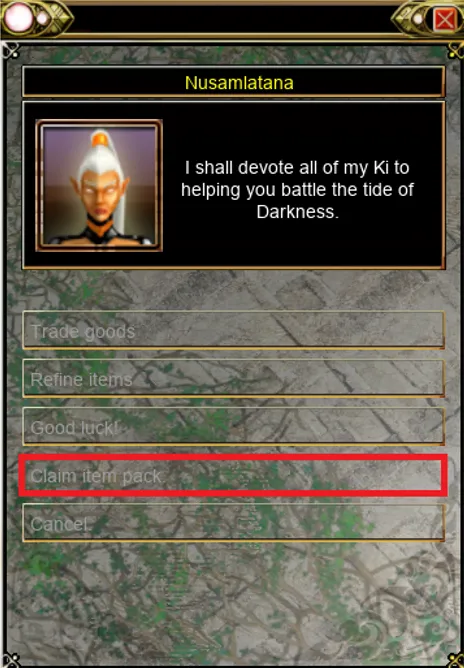
On the map, go to coordinates 85, 65, talk to Nusamlatana and choose Claim Item Pack.
A window confirms the items have been added to your inventory.
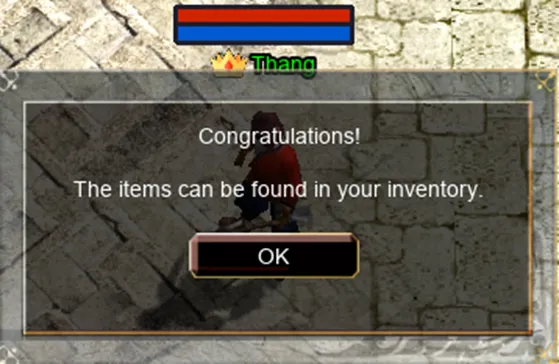
Check your inventory against the pack contents before you close the game. If something is missing, open a ticket while the receipt is fresh.
Found a mistake on this page, or something worth adding? Let the staff know by opening a support ticket.