Game Guide
Lune Guide
Lune is the game's premium currency. You buy it with real money and spend it on exclusive equipment, potion packs and scrolls.
Buying Lune
Log in to your account on the Thang Global website first. Go to the login page, enter your email address and password, and sign in.
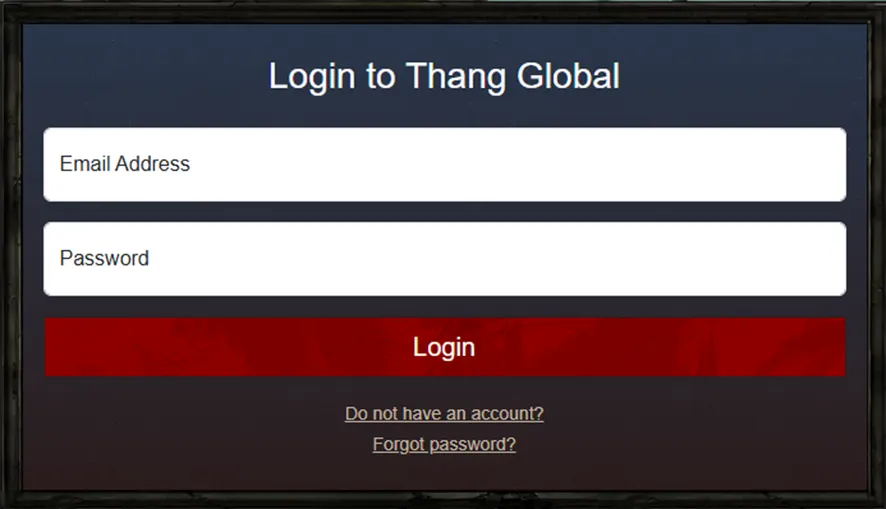
- No account yet? Use the Do not have an account? link to create one.
- Forgotten your password? Use the Forgot password? link to reset it.
Once you are signed in there are two routes to the same checkout.
From the home page
Use the Purchase Lune menu on the home page.
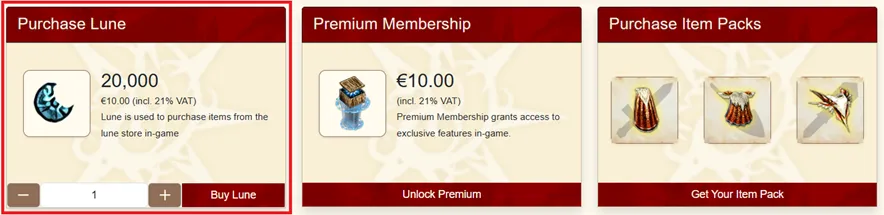
Pick the amount with the counter, then click Buy Lune.
From your profile
The same purchase is available on your profile page.
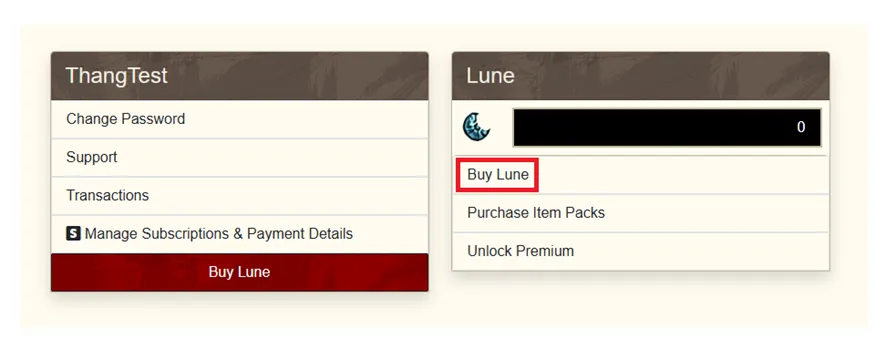
Clicking Buy Lune opens a window where you choose the amount.
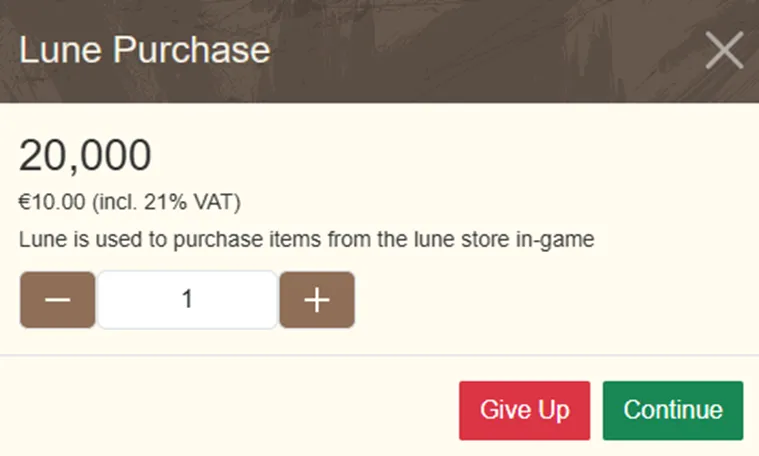
Checkout
Either route confirms the number of packs and the final amount before anything is charged.
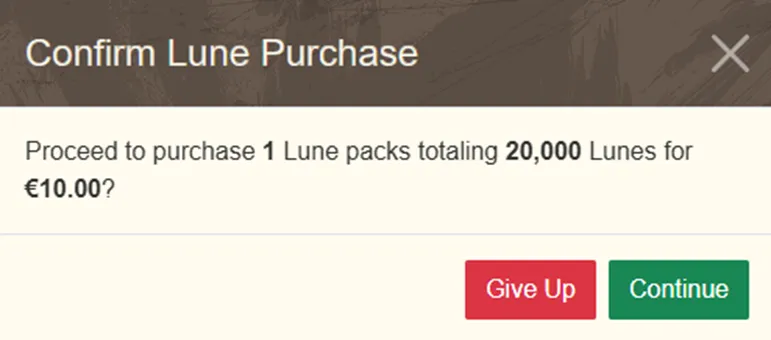
Click Continue and you are taken to the payment page.
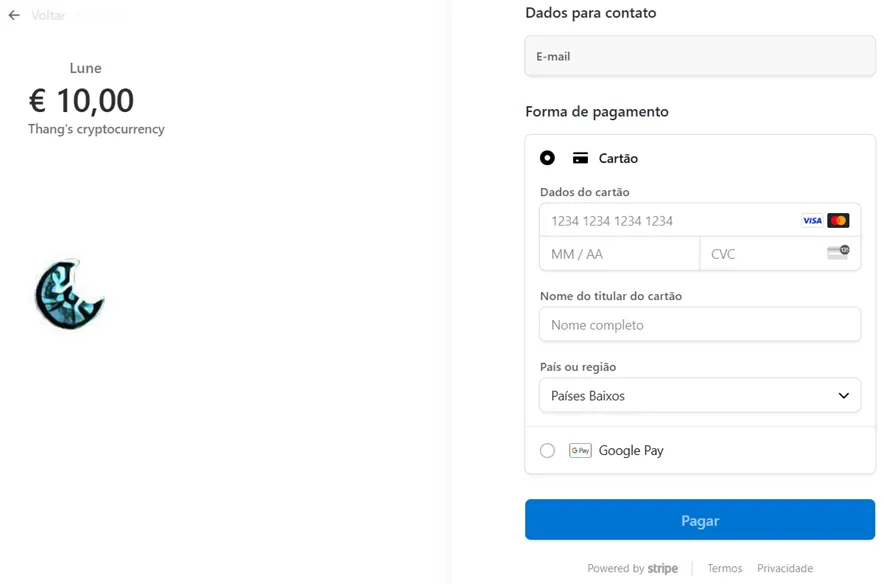
You can pay by credit card or through Google Play. With a card, fill in the details and click Pay. With Google Play, pick a saved card or add a new one, then click Pay.
A receipt with the full details of the purchase follows.
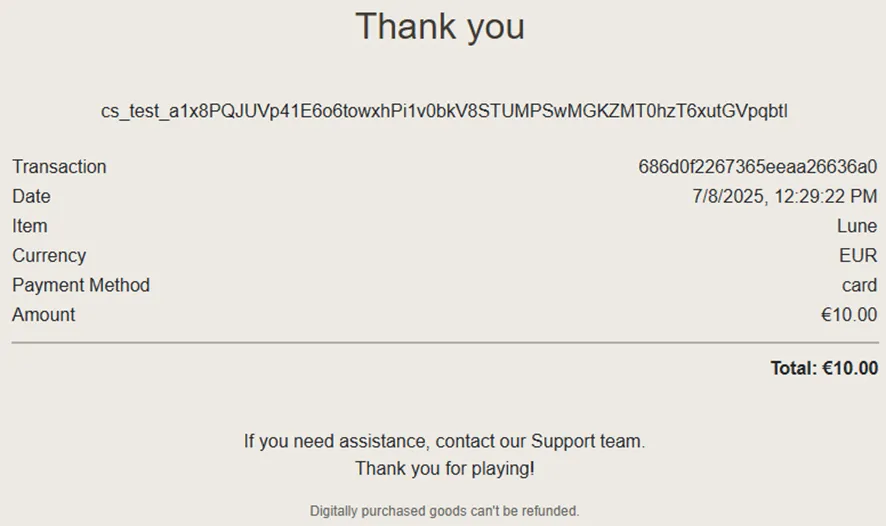
Checking it arrived
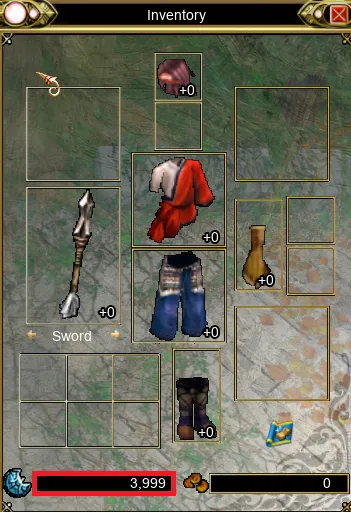
Confirm the Lune landed by looking at your profile or your in-game inventory.
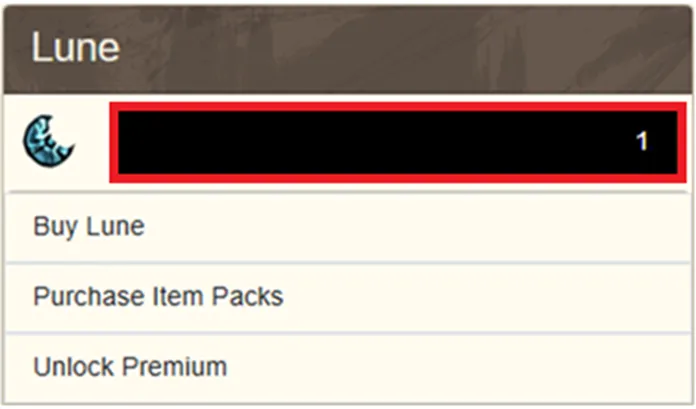
Spending it
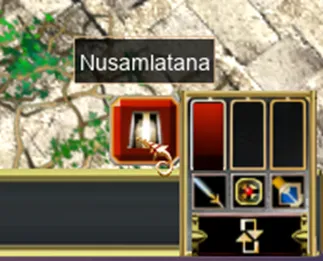
Get to Nusamlatana with the button at the bottom right of the screen.
On the map, go to coordinates 85, 65, talk to Nusamlatana and choose Trade goods.
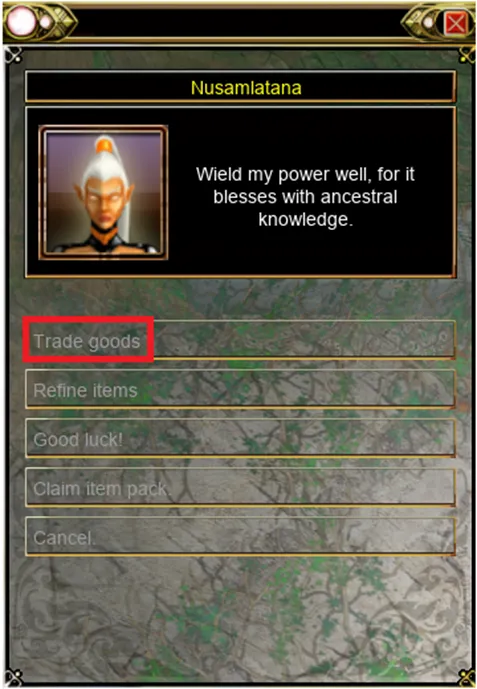
The Lune Shop stocks exclusive equipment, potion packs and scrolls, including Premium, Name Change, Teleport, Experience, Droprate, Resurrection and Repair.
Found a mistake on this page, or something worth adding? Let the staff know by opening a support ticket.