Game Guide
Premium Membership Guide
Premium Membership is a status on your account that unlocks extra features. Buying it also supports the running and development of Thang Global.
What you get
| Lune | 10,000 per month |
|---|---|
| Experience | 10% bonus |
| Warehouse | 10 extra tabs, reachable anywhere in the world |
| Status | In-game VIP crown |
Buying it on the website
Log in to your account on the Thang Global website first. Go to the login page, enter your email address and password, and sign in.
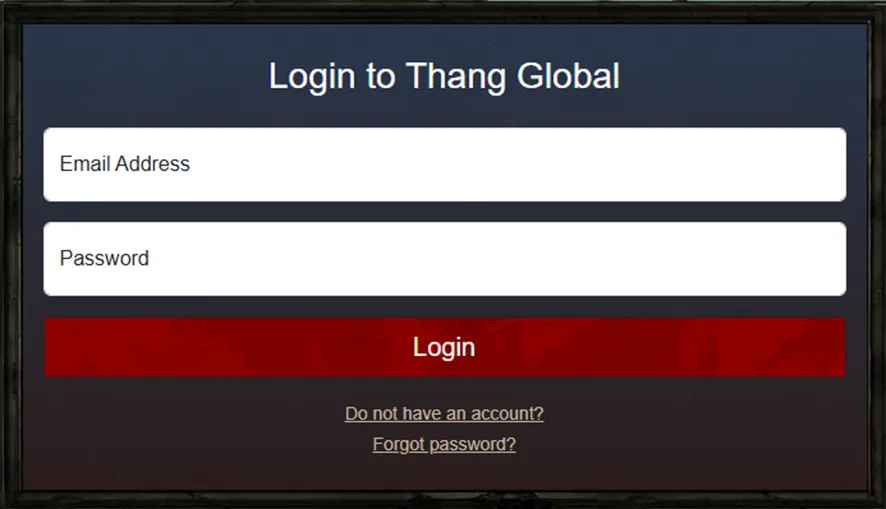
- No account yet? Use the Do not have an account? link to create one.
- Forgotten your password? Use the Forgot password? link to reset it.
From the home page
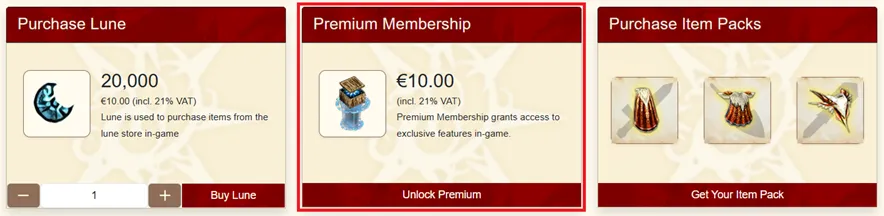
Use the Unlock Premium menu on the home page.
From your profile
Your profile page has the same Unlock Premium button. Either route opens this window.
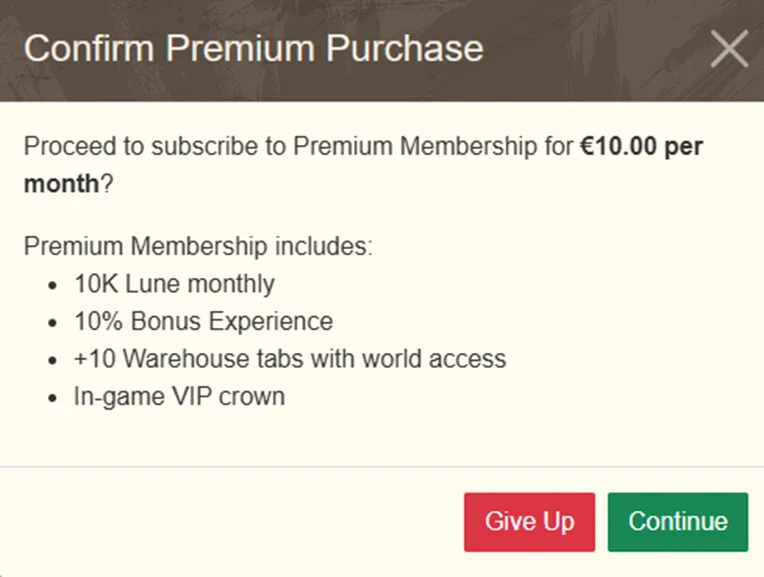
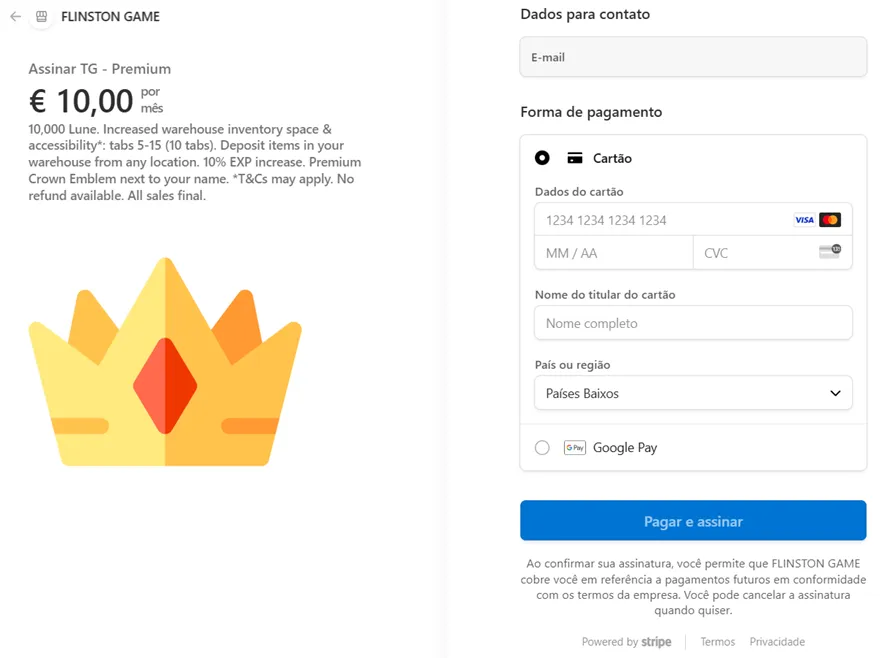
Click Continue to go to the payment page.
Buying it in game
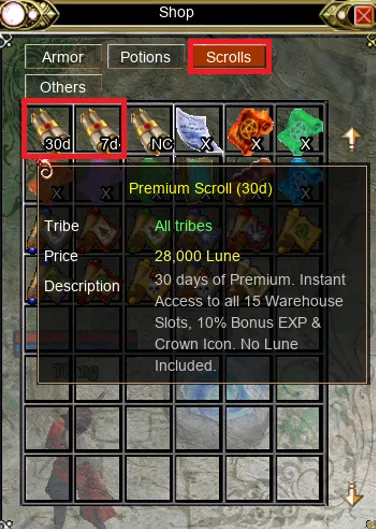
Premium is also sold as a Premium Scroll in the Lune Shop, in 7 day and 30 day versions.
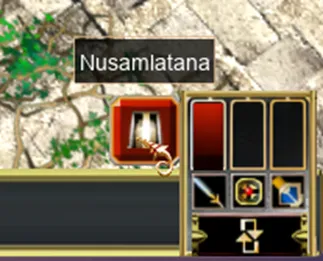
Get to Nusamlatana with the button at the bottom right of the screen.
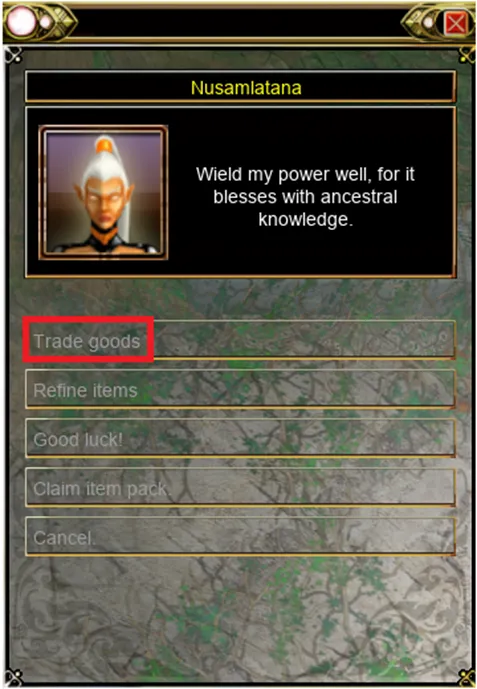
On the map, go to coordinates 85, 65, talk to Nusamlatana and choose Trade goods.
In the Lune Shop, open the Scrolls tab, choose the 7 day or 30 day option, and complete the purchase.
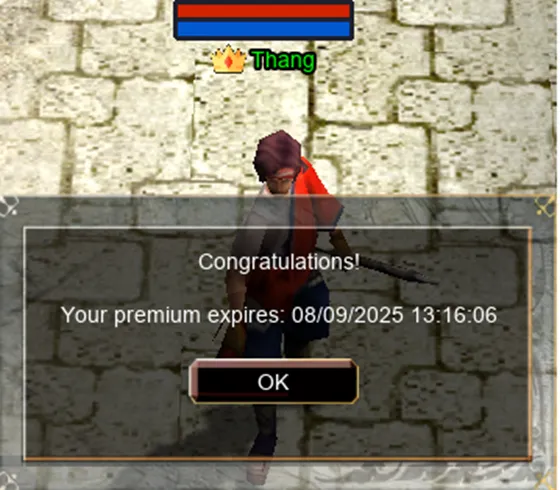
Activate the scroll by double-clicking it in your inventory. A confirmation message appears.
An icon then appears in the top left of the screen with the expiry date and a summary of the benefits.
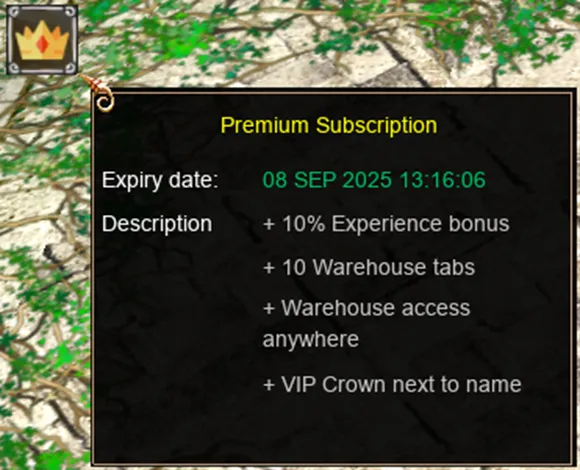
That is it. Your Premium Membership is active.
Found a mistake on this page, or something worth adding? Let the staff know by opening a support ticket.